FOR INVITATIONS AND DETAILS CARDS
Wedding RSVP QR code
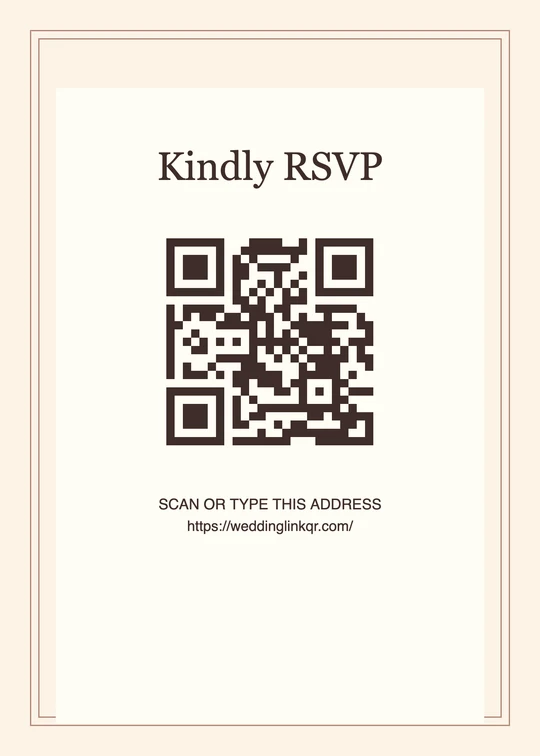
Give guests a direct route to your reply form. Turn the link you already use into a card that matches your invitation.
Choose the guest link
Use the published RSVP form or the reply page on your wedding website. Open it in a private browser window to see whether guests need a password or an invitation.
Tell guests what to do
Use wording such as “Kindly RSVP by 12 September.” Put any access instructions on the invitation and keep the printed address visible.
Check before printing
Scan an actual-size proof and confirm it opens the intended form. The printed QR points directly to that address, so a different URL will require a new code.